Fast, Simple & Secure PDF Tools
Convert Your Files To & From PDF!
Convert documents, images, presentations, and ebooks to PDF in just a few clicks. You can also turn PDFs into editable files, images, presentations, and more — quickly, securely, and directly in your browser.
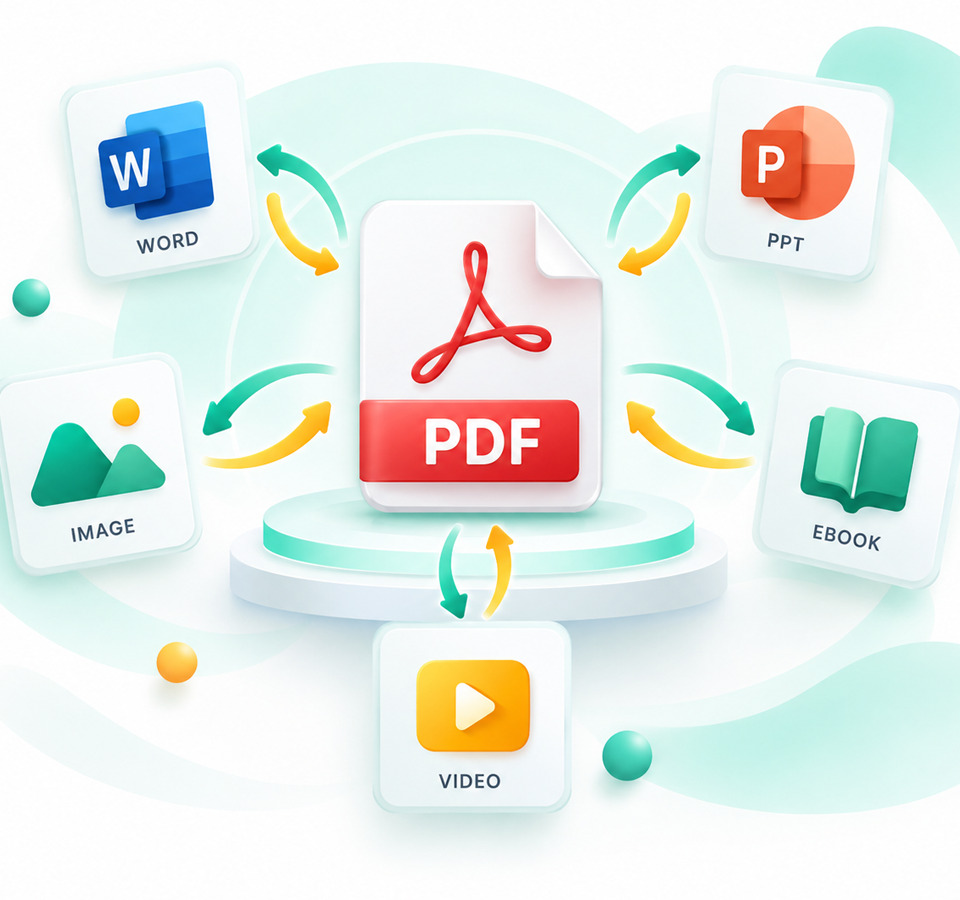
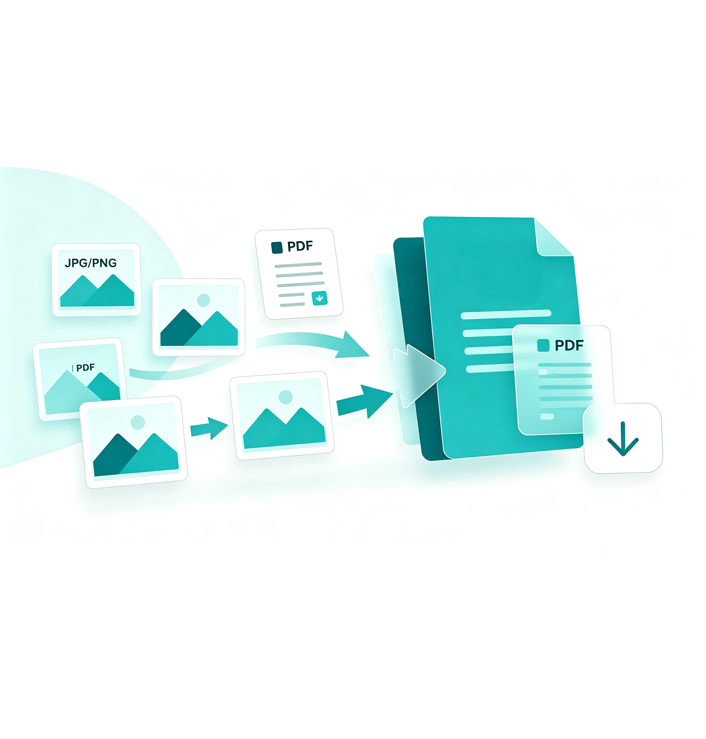
Image to PDF ConverterConvert JPG, PNG, and other image files to PDF quickly and easily.
Upload your images, arrange them as desired, and generate a professional PDF document in minutes. Our tool makes converting images to PDF simple and secure, producing documents that are ready to share or print.
Convert Images to PDF Fast
Why Choose Us?
Simple, reliable PDF tools to simplify all your document work.
Fast Conversion
Process your files in minutes. Enjoy fast PDF conversion without long waits.
Multiple Formats
Support conversion between PDF, PPT, ODP, images, video and many more file types.
File Security
All uploaded files are auto-deleted after processing to keep your documents private and safe.
Cross-Platform
Work on any browser. Convert files on PC, tablet or mobile phone anytime, anywhere.
What we Offer?
ERCONVERT provides fast and easy PDF conversion tools for your daily document needs.
Convert PDF files into editable PowerPoint presentations quickly and easily.
Turn PDF content into ODP format while keeping your documents organized.
Export PDF pages to high-quality image files for sharing and preview.
Turn PDF pages into engaging video content for presentation and sharing.
How to Convert Files to PDF
Follow these simple steps to turn images, documents, and presentations into PDF quickly.
Upload Your Files
1. Select images, documents, or presentations that you want to convert to PDF. 2.
Choose Output Format
Select PDF as your target format and adjust the page settings if needed.
Convert to PDF
Start the conversion process and let the tool create your PDF file automatically.
Download Your PDF
Save the converted PDF file to your device or share it directly with others.